Help
Keyboard shortcuts
The keys worth learning first, the leader key, and how to change any of them.
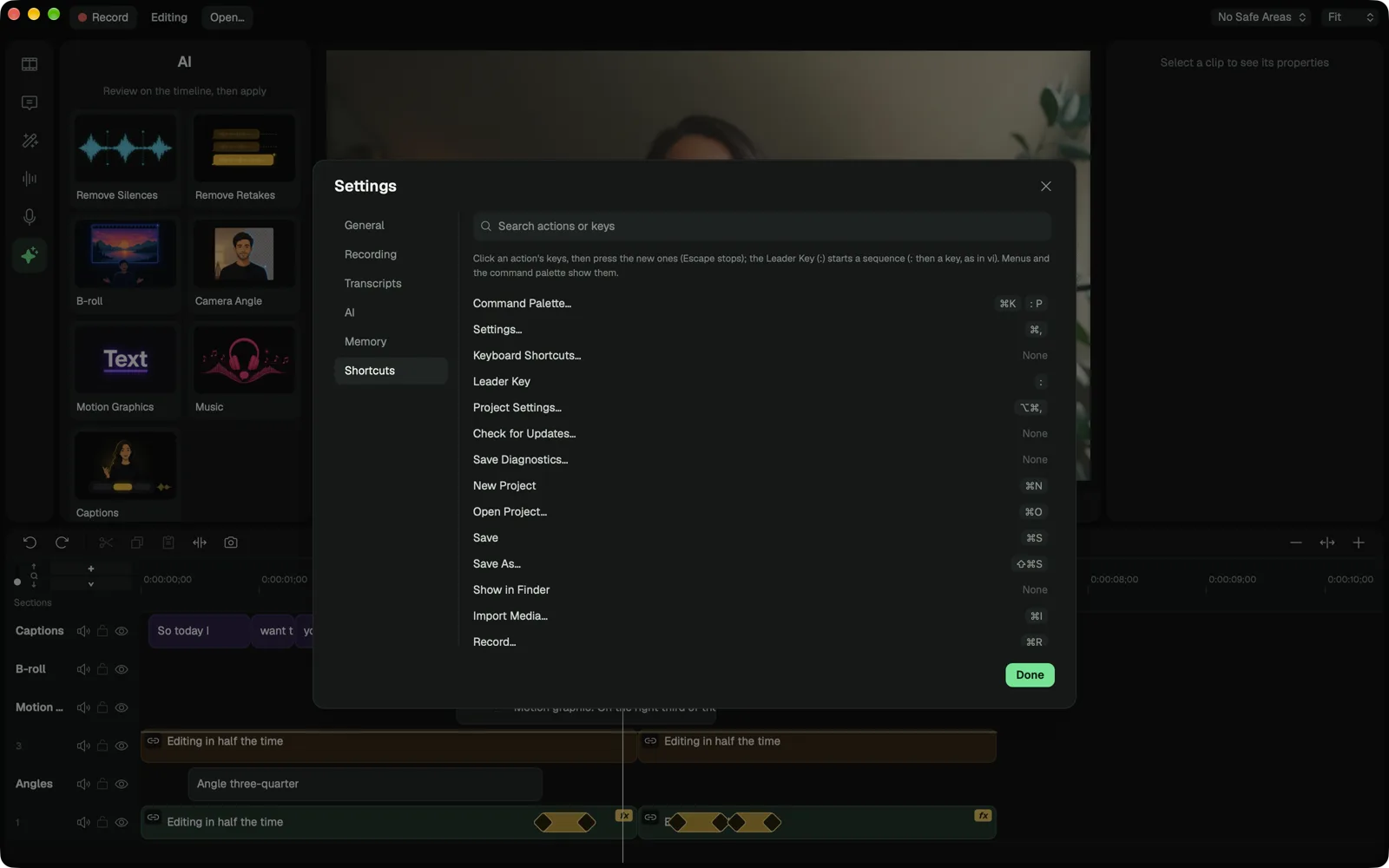
Every menu item, panel tool and command has a place in Settings › Shortcuts, where you can search by name or by key and set your own.
The ones to learn first
| Keys | Does |
|---|---|
| ⌘K | Command palette: add an effect, annotation or AI tool by name |
| ⌘R | Record |
| ⌘I | Import media |
| ⌘E | Export (the selection, if clips are selected) |
| Space | Play or pause |
| ⌘T | Split at the playhead |
| ⇧⌘T | Split every track at the playhead |
| ⌘⌫ | Ripple delete: delete and close the gap |
| ⇧⌘X | Ripple cut |
| ⌘D | Duplicate |
| ⇧A | Add an animation |
| ⇧M | Add a timeline marker |
| ⌘Z / ⇧⌘Z | Undo and redo your own changes |
| ↩ / ⇧↩ / ⎋ | In a review: Apply, Apply All, Cancel |
The leader key
: starts a sequence, as in vi: press it, then a letter. It’s never a shortcut on its own.
| Keys | Does |
|---|---|
| : S | Remove Silences |
| : R | Remove Retakes |
| : K | Captions |
| : B | B-roll |
| : G | Motion graphic |
| : P | Command palette |
| : A / V | Delete a recording’s audio / video |
| : U | Unlink a recording’s clips |
| : L / M | Lock / mute the track |
| : T C | Show or hide the camera |
| : C then a colour letter | Colour label: Red, Purple, Blue, Green, Yellow, Orange, None |
Change the leader in Settings › Shortcuts and every sequence moves to the new key.
Shortcuts it offers you
Use the same panel tool often (five times over two days) and Beacon offers it a leader shortcut in a small notice: Add, or Not Now.
Checked against Beacon 0.18.0. Something wrong or missing? Open an issue.
Using an AI agent? Point it at /llms.txt, the docs index for agents, or give it every page in one file.